1
Choose your review type
Select Free Trial, Full Report, or Unlimited to get started.
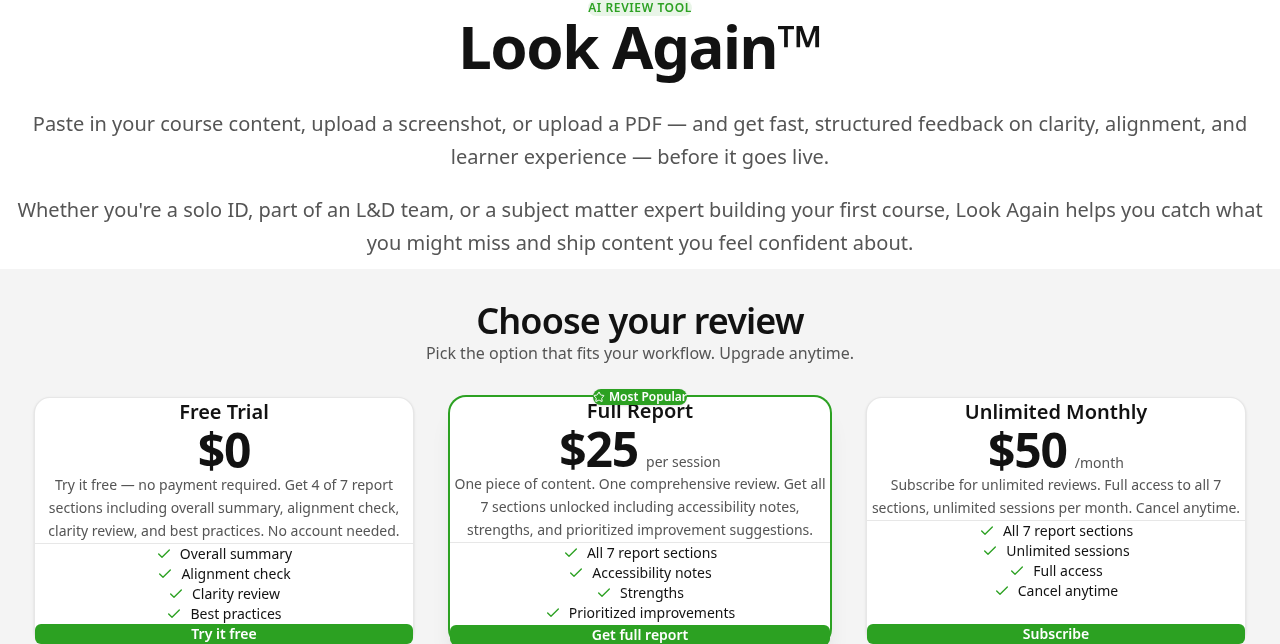
Getting feedback on your course content with Look Again takes less than a minute. Here's what to expect.
Select Free Trial, Full Report, or Unlimited to get started.
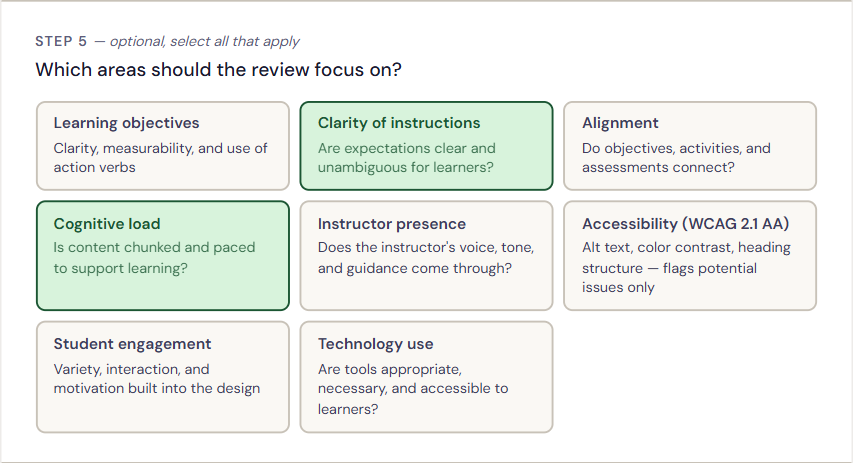
Tell the tool about your content type, review goal, framework preference, audience, and focus areas. This takes about a minute and helps the tool give you more targeted feedback.
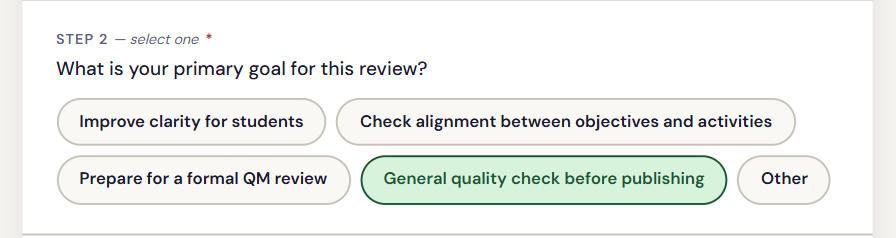
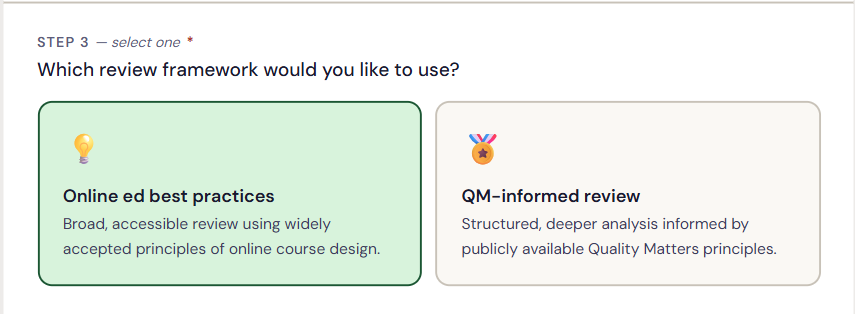
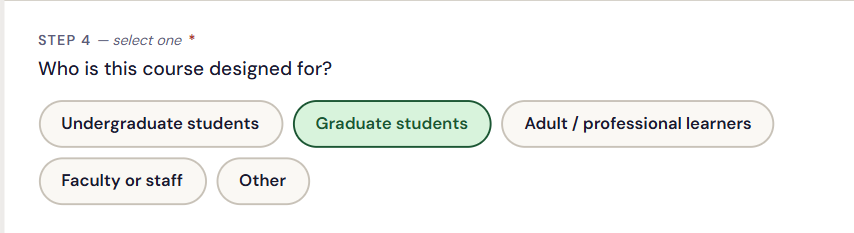
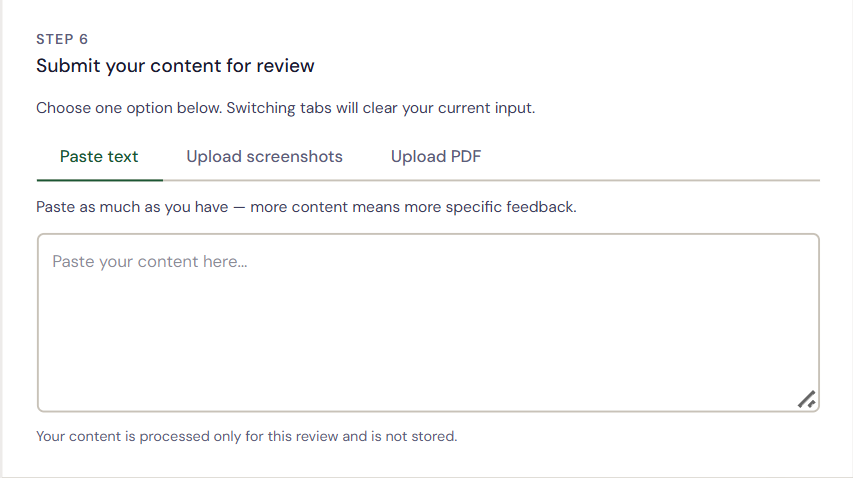
Choose how you want to submit — paste text, upload a screenshot, or upload a PDF. Before submitting, check the box at the bottom confirming you've read and agree to the Terms of Service.
Your report generates quickly — usually about a minute, but may take longer for larger files — covering up to 7 evaluation areas depending on your tier.
Copy your findings or print/save the page before you move on. Your session clears automatically when you navigate away — whether you start a new session or close the page completely. Nothing is stored or retained.